PDF Metadata Remover
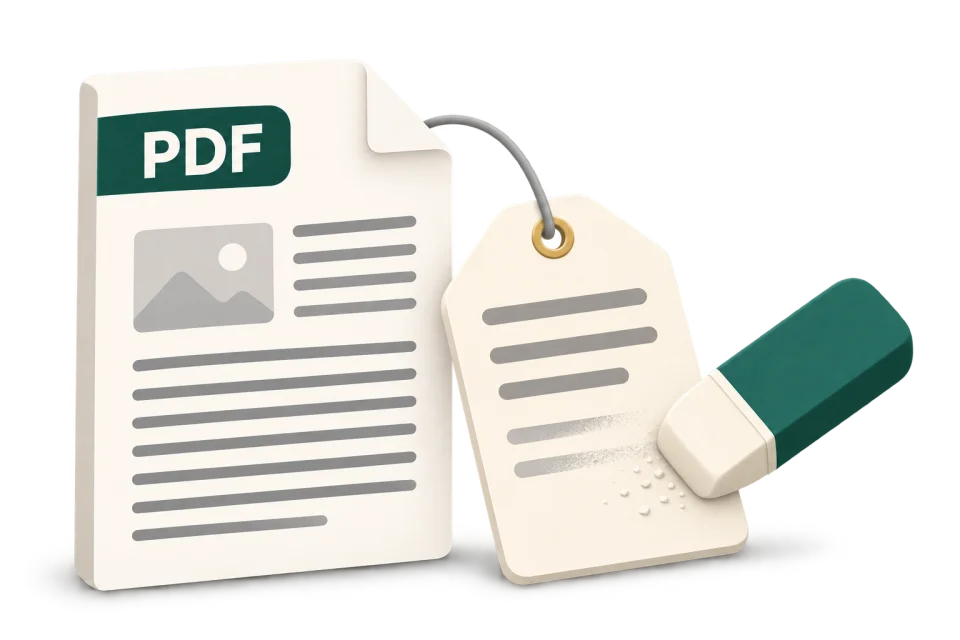
Remove metadata from a PDF before you share it. This free PDF metadata remover clears author names, titles, software details and dates from document properties, plus document-level XMP. Your file is processed in your browser and is never uploaded.
Free · No account · PDF up to 10 MB
On this device
Choose a PDF to inspect
See the detected properties first. Remove them when you are ready.
PDF only · Up to 10 MB · Processed on your device
How do I remove metadata from a PDF?
1. Inspect your file
Choose one PDF up to 10 MB. Review the detected author, dates and other properties before changing anything.
2. Clear document metadata
Select Remove metadata. The tool rewrites a copy without the document information dictionary and the document-level XMP packet.
3. Download and verify
The output is inspected again and a cleaned copy downloads. Open it to check the pages, then reselect it here to check the supported metadata.
What does this PDF Metadata Remover clear?
PDF metadata can live in two places: the document information dictionary (Info) and an XML-based XMP packet attached to the document catalog. Clearing just the Author box can leave a second copy. This tool removes both document-level containers.
| Properties | What happens |
|---|---|
| Author, title, subject and keywords | Removed with the Info dictionary, including custom entries stored there. |
| Creator and producer software | Document-level application names and producer strings are cleared. |
| Creation and modification dates | Embedded document dates are removed. Dates maintained by your operating system are separate. |
| Document-level XMP | The catalog XMP packet is removed, including properties that the field list cannot individually display. |
How can I check that PDF metadata is gone?
Reselect the downloaded copy in this tool and compare the supported fields. For an independent check, open the copy in Acrobat and inspect Document Properties and Additional Metadata. A blank property list verifies those fields only; it does not prove that the whole document is anonymous.
Check the final copy after your last edit. A PDF editor or a fresh export can write author, software and dates back into the file.
When is it useful to clear PDF properties?
Before sending a résumé, proposal or public report, inspect whether the file names the author of an old template or exposes internal software details. For blind review, follow the submission rules and also check the filename, page text and comments. Removing the Author field alone is not an anonymity check.
PDF metadata removal: common questions
How do I remove PDF metadata online for free?
Choose a PDF up to 10 MB, review its detected properties, then select Remove metadata. The cleaned copy downloads after a second inspection. No account, payment or Adobe installation is required, and the PDF is not uploaded.
How do I remove the author name from a PDF?
Cleaning removes the document Author property and the document-level XMP packet, which can contain another author entry. It does not remove a name printed on a page, a comment author or a name inside an attachment.
Does it remove XMP metadata as well as PDF properties?
Yes. The document information dictionary and the catalog-level XMP packet are both removed. Some custom or compressed XMP packets appear as an XMP entry rather than readable individual fields. Metadata attached to embedded images or other objects is outside this tool’s scope.
Can I remove creation and modification dates from a PDF?
Yes, for embedded document-level dates in Info and XMP. The created or modified time shown by Finder or Windows Explorer belongs to your file system and can change when you download a new copy. Dates written in page text are also separate.
Will removing metadata change the PDF text or image quality?
The tool rewrites the PDF structure without intentionally editing page content or rasterizing pages. It does not recompress images as a cleaning step. Open the downloaded copy to check layout, links and forms before sharing it. The output bytes and file size can change.
Can I use this without Acrobat on Mac or Windows?
Yes. Use the page in a modern browser, choose the PDF and download the result. No desktop PDF software is needed. The same browser workflow can be used on a phone, subject to its file picker and available memory.
Is my PDF uploaded or stored on a server?
No. File inspection and cleaning happen locally in the browser. The selected PDF bytes are not sent to a cleaning server. Keep your original file: the download is a separate copy.
Can this clean a password-protected or digitally signed PDF?
Password-protected PDFs are not supported. Use an unlocked copy you are allowed to edit. Rewriting a digitally signed PDF can invalidate its signature; keep the signed original and avoid this workflow when signature validity must be preserved.
Does PDF metadata removal also delete comments or redact personal data?
No. Comments, annotations, attachments, hidden page content and filled form fields are not removed by this cleaner. Use a document redaction or sanitization workflow for those tasks, and review the visible pages separately.
Why does my PDF still show metadata after I save it again?
Editors can add new creator, producer, author and date values when saving or exporting. Clean the final exported file and inspect the downloaded copy again. Also check whether the value belongs to a comment, embedded image or file-system property rather than document-level metadata.
Does removing PDF metadata make the document anonymous?
No. It removes the supported document-level metadata, not every possible identifying detail. Names in the text, comment authors, signatures, attachments, embedded images and the filename may still identify someone. A blank result is not a forensic anonymity guarantee.
Can I remove metadata from several PDFs at once?
This page handles one PDF at a time, up to 10 MB per input file. Finish the current file, clear the selection and choose the next PDF. Batch processing is not available here.
Working with other file types?
The main metadata remover also supports DOCX, XLSX, CSV and common image formats. See each format’s cleaning scope before sharing your copy.
Open the all-format metadata remover →References and scope
Maintained by the FileMeta Wipe team ·